
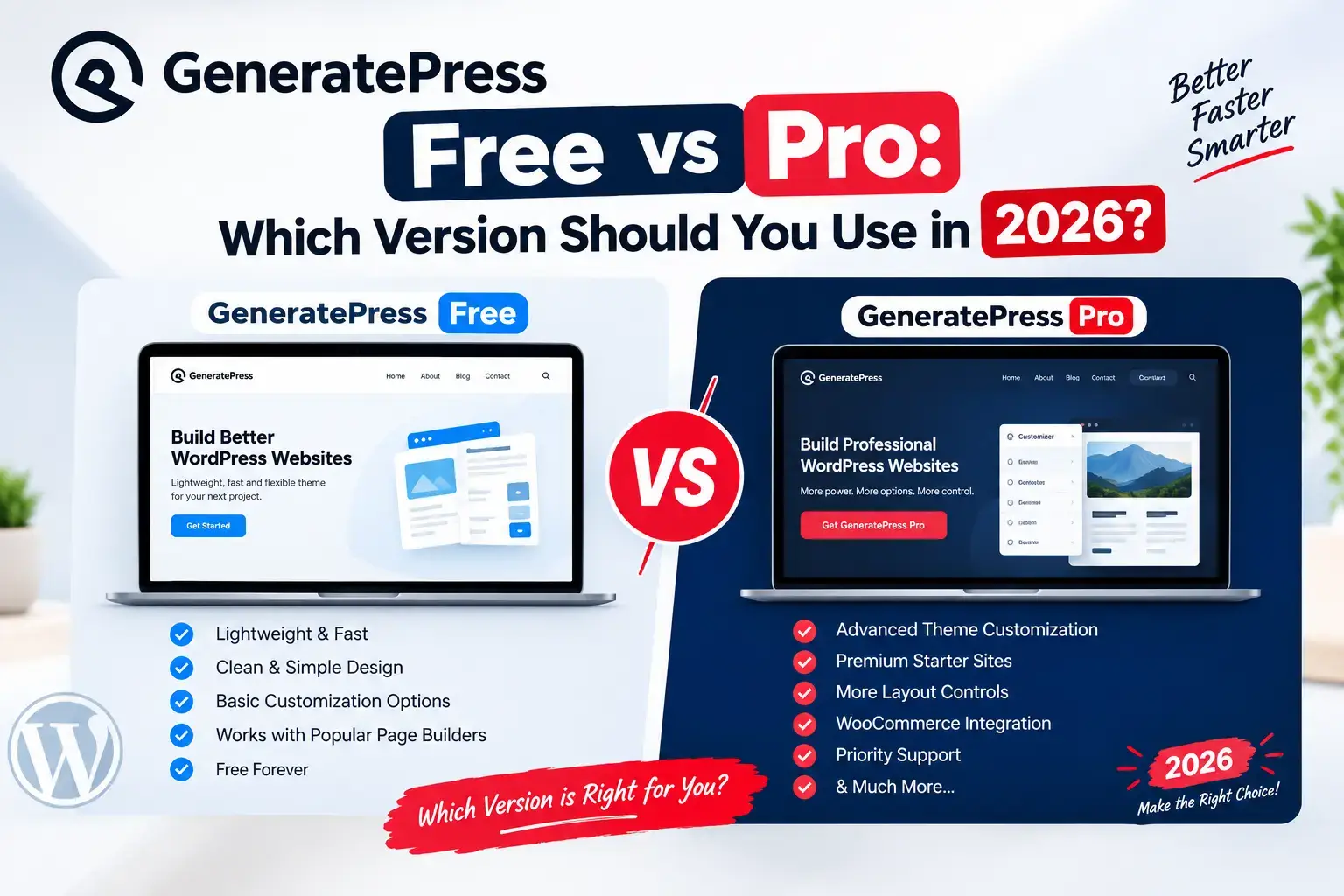
GeneratePress Free vs Pro: Which Version Should You Use in 2026?
If you are comparing GeneratePress free vs pro, you are probably looking for a fast WordPress theme without wasting money on features you will never use If you are searching for a lightweight WordPress theme, GeneratePress is probably already on your shortlist. The harder question is whether the free theme is enough or whether you should pay for GeneratePress Pro, officially called GP Premium.
In this GeneratePress free vs pro comparison, we look at what each version actually gives you, what the upgrade costs, how it affects speed, and who really needs it. By the end you will know which option fits your website, whether it is a blog, a business site or a WooCommerce store.
What Is GeneratePress?
Understanding how the two versions relate is the key to any GeneratePress free vs pro decision.GeneratePress is a WordPress theme built around speed, stability and clean code. It does not ship with dozens of flashy demos or heavy scripts. It gives you a solid foundation, and you decide how much to build on top of it.
The free theme is available in the WordPress.org theme directory, so you can install it from your dashboard at no cost. The paid version is sold separately by GeneratePress.
How the Premium Version Works
This plugin-based setup is what makes the GeneratePress free vs pro choice low-risk, because you can start free and upgrade later.GP Premium is not a separate theme. It is a plugin that you install on top of the free GeneratePress theme. The free theme stays active, and the plugin unlocks extra modules inside the Customizer and the Appearance menu.
This matters for two reasons. First, you can start free and upgrade later without rebuilding your site. Second, you must keep the free theme installed even after buying Premium.
GeneratePress Free: What You Get
In the GeneratePress free vs pro debate, the free theme wins on simplicity, but it has clear limits.The free version is more capable than many people expect, but it is intentionally basic.
Layout Controls
You can change the container width, choose sidebar positions, adjust header and footer layouts, and set up footer widgets. For a simple blog or a small business site, this covers most needs.
Colors and Typography GeneratePress free vs pro
The free theme lets you set global colors for the background, text, links, buttons and headings. You also get core typography settings for body text, headings and navigation. These are enough to give a site a clean, readable look.
Speed and Accessibility GeneratePress free vs pro
The free theme is very light, and its stylesheet is often cited as being around 10KB. It avoids unnecessary scripts and follows accessibility good practice, such as keyboard navigation and proper markup. That gives you a strong starting point for good Core Web Vitals, though your hosting, images and plugins still matter far more.
Where the Free Version Stops GeneratePress free vs pro
The limitations show up when you want more control:
- No Site Library of ready-made starter sites
- No Elements module for custom headers, hooks and layouts
- No sticky navigation or slide-out menus
- No secondary navigation
- No extra WooCommerce controls
- No premium support (the free theme uses the public support forum)
If none of these matter to you, the free theme can serve you well for a long time.
GeneratePress Pro (GP Premium): What You Get Extra
Premium is a collection of modules. You can turn each one on or off, so you only load what you use.
Site Library GeneratePress free vs pro
The Site Library lets you import a complete starter site in a few clicks. If you do not want to design from scratch, this saves hours. You can pick a design close to your niche, replace the text and images, and launch.
Elements Module for GeneratePress free vs pro
Elements is the most powerful part of Premium. It lets you:
- Insert content at specific hook locations, such as before or after a post
- Build custom headers and page heroes
- Create layout rules that apply to selected pages or post types
- Add block elements to display content conditionally
This is the feature that makes GeneratePress feel like a real design system. For example, you can show a different layout on product pages than on blog posts without touching theme files.
Menu Plus and Secondary Navigation
Menu Plus adds sticky navigation, a mobile header, off-canvas panels and a slide-out menu. The Secondary Navigation module gives you a second menu bar, which is useful for stores and larger sites with many categories.
Advanced Typography and Colors
Premium adds a Typography Manager that gives you control over more elements, along with options for local fonts, which helps with privacy and speed. The Colors module gives finer control over many parts of the site.
Blog Module for GeneratePress free vs pro
You get more control over how posts appear: featured image placement, columns, read-more text, infinite scroll and more. If your site is content-heavy, this makes archives look more polished.
WooCommerce Module
Premium adds extra controls for WooCommerce stores, including a sticky add-to-cart bar, menu cart options and better shop layout settings. For a store that sells digital products, this is one of the strongest reasons to upgrade.
Other Useful Modules
Spacing, Copyright (to edit or remove the footer credit), Disable Elements and Import/Export round out the package. Each is small, but together they remove the need for several extra plugins or snippets.
Prices change, so always confirm on the official pricing page before buying. At the time of writing, these are the commonly listed options.
GP Premium
GP Premium has been listed at $59 per year. This covers the theme add-on, updates and premium support for one year. A purchase typically covers use on multiple sites, but check the license terms on the official page.
GeneratePress One
GeneratePress One is a bundle listed at around $149 per year. It combines GP Premium with GenerateBlocks Pro and GenerateCloud, which is a hosted pattern library. It makes sense if you want the whole ecosystem rather than just the theme.
Lifetime plans were offered in the past, but several sources report they have been retired. Do not assume one is available.
Is It Worth the Price? GeneratePress free vs pro
When you weigh GeneratePress free vs pro for a business site or store, the yearly cost is small compared to the time saved.Price is often the deciding factor in GeneratePress free vs pro, so here are the numbers.For one business site or store, $59 per year is a small cost compared to the time you save. If you build sites for clients, the value is even higher because one license can be reused across projects, subject to the terms.
GeneratePress Free vs Pro: Speed and Performance
A common worry in GeneratePress free vs pro is speed, so let’s look at that directly.This is where many people worry that Premium will slow their site down. In practice, the overhead is small.
The free theme is extremely lean. GP Premium adds code only for the modules you enable, so disabling unused modules keeps things light. A site’s real speed depends mostly on:
- Hosting quality
- Image size and format
- Caching and a CDN
- The number and quality of plugins
- How heavy your page builder or blocks are
If a site is slow, the theme is rarely the main cause. Upgrading to Premium for features will not noticeably hurt performance, and swapping a heavy theme for GeneratePress usually helps.
Who Should Use the Free Version?
The free theme is a good choice if:
- You are starting a simple blog and want a clean, fast layout
- Your budget is tight and you only need basic styling
- You are comfortable using the block editor for layout work
- You want to test GeneratePress before spending money
You can always upgrade later, and your settings will remain.
Who Should Upgrade to GeneratePress vs Pro?
Upgrading makes sense if:
- You run a WooCommerce store. The extra shop controls and sticky cart features can improve the buying experience.
- You build sites for clients. Elements and the Site Library speed up delivery and keep designs consistent.
- You want custom headers and layouts. Without Premium, this usually means writing code or adding another plugin.
- You need sticky or off-canvas navigation for better mobile usability.
- You want premium support and direct help when something breaks.
A simple rule works well: if you catch yourself installing extra plugins or writing CSS just to get a feature, check whether Premium already includes it.
GenerateBlocks: GeneratePress free vs pro
GenerateBlocks is a separate plugin from the same developer. It adds flexible blocks such as containers, grids, headlines and buttons to the editor. The free version covers the essentials. GenerateBlocks Pro adds advanced features and a pattern library.GenerateBlocks has its own free and pro versions, which adds another layer to the GeneratePress free vs pro decision.
You do not need it to use GeneratePress, but the two work well together. Many people pair GP Premium with the free GenerateBlocks first and add Pro only if they need more design power.
How to Upgrade from Free to Premium
Upgrading is simple and does not break your site.
Step 1: Keep the Free Theme Active
Make sure the GeneratePress theme is installed and active. Premium will not work without it.
Step 2: Install the Premium Plugin
Download GP Premium from your account, then go to Plugins → Add New → Upload Plugin and activate it.
Step 3: Activate Your License
Go to Appearance → GeneratePress and enter your license key to receive updates and support.
Step 4: Enable Only the Modules You Need
Turn on the modules you will use, such as Elements or Menu Plus, and leave the rest off. This keeps your site lean.
Step 5: Back Up First
Always take a backup before installing or switching anything on a live site.
GeneratePress Alternatives
If neither option feels right, look at Astra, Kadence and Blocksy. Each offers more built-in features in its free version. The trade-off is usually a heavier feel or a more complex settings panel. GeneratePress stands out for simplicity, stability and a very clean codebase.
Frequently Asked Questions
Is GeneratePress free really free?
Yes. The theme in the WordPress.org directory is free to use, including on commercial sites. You pay only if you want Premium or the other paid products.
Do I need the free theme if I buy GP Premium?
Yes. GP Premium is a plugin that extends the free theme, so both must be installed.
Will my site break if I upgrade?
No, in normal cases. Your existing settings are preserved, and Premium adds options on top. Still, make a backup first as a safe habit.
Does GeneratePress Pro make my site faster?
Not by itself. The theme is already light. Premium gives you more features without adding much weight, especially when you disable modules you do not use.
Can I use one license on multiple websites?
Plans are generally sold with site limits that allow several sites, but terms can change. Check the license details on the official pricing page before you buy.
Is GeneratePress good for SEO?
The theme produces clean, fast and accessible markup, which supports good SEO. Rankings still depend mainly on your content, links and technical setup, not the theme alone.
Is GeneratePress better than Astra or Kadence?
It depends on what you value. GeneratePress focuses on simplicity and speed, while Astra and Kadence offer more built-in options. Test each with your own content to decide.
Final Verdict: GeneratePress Free vs Pro?
In the end, the GeneratePress free vs pro choice depends on your needs: start free for simple sites, and go Pro for control, speed of building and WooCommerce features.Start with the free version if you want a fast, simple site and are happy with basic customization. It is a genuinely good theme and costs nothing to try.
Choose GeneratePress Pro if you need starter sites, custom layouts, sticky menus or better WooCommerce controls, or if you build for clients and value your time. The yearly price is modest for what it unlocks.
The best approach for most people is to install the free theme, build your site, and upgrade only when you hit a real limit. That way you pay for features you will actually use.